> ## Documentation Index
> Fetch the complete documentation index at: https://docs.subframe.com/llms.txt
> Use this file to discover all available pages before exploring further.
# Custom CSS
> Add custom Tailwind classes as an escape hatch for CSS properties not available in the Inspector.
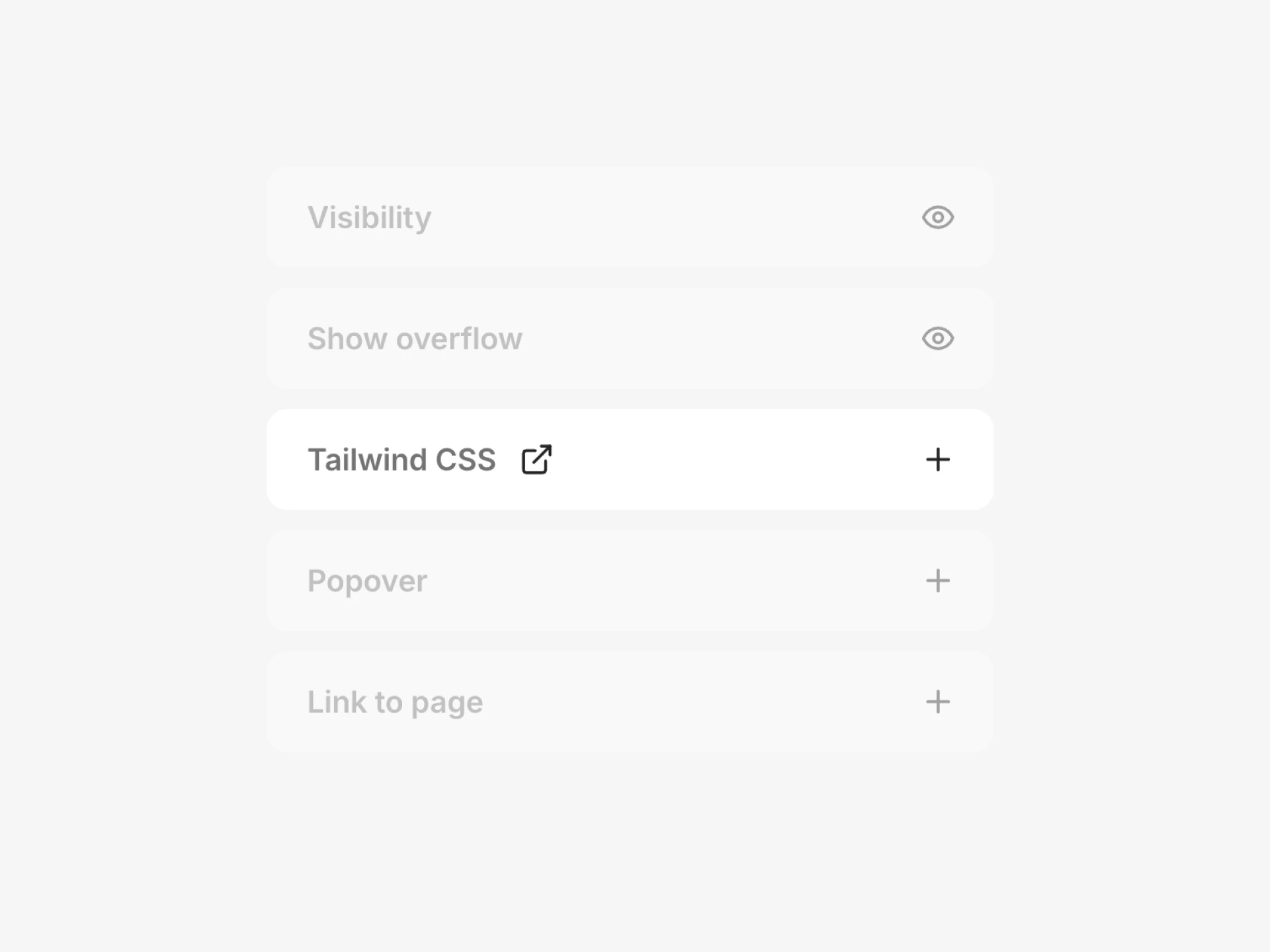 If there's a CSS property you need that isn't available in the Inspector, you can add custom Tailwind CSS classes directly to any element. This is useful for properties like positioning, z-index, overflow, animations, and other styles that the visual editor doesn't expose.
## Adding custom classes
1. Select an element
2. In the Inspector, find **Tailwind CSS** and click **+**
3. Type or paste a Tailwind class name
You can also use [Ask AI](/learn/ask-ai/making-quick-edits) to add custom classes. For example, ask "make this element position absolute" and it will apply the right Tailwind classes for you.
## Common use cases
Here are some properties you can control with custom Tailwind classes that aren't available in the Inspector:
| Use case | Tailwind classes |
| -------------------- | ----------------------------------------------------------------- |
| Absolute positioning | `absolute`, `relative`, `fixed`, `sticky` |
| Z-index | `z-10`, `z-20`, `z-50` |
| Overflow | `overflow-hidden`, `overflow-auto`, `overflow-scroll` |
| Animations | `animate-spin`, `animate-ping`, `animate-pulse`, `animate-bounce` |
| Pointer events | `pointer-events-none`, `pointer-events-auto` |
| Opacity | `opacity-50`, `opacity-0` |
| Cursor | `cursor-pointer`, `cursor-not-allowed` |
| Transitions | `transition-all`, `duration-200`, `ease-in-out` |
| Transforms | `rotate-45`, `scale-110`, `translate-x-2` |
## Tailwind CSS documentation
For a full list of available classes, see the Tailwind CSS documentation:
* [Tailwind CSS v3 ↗](https://v3.tailwindcss.com)
* [Tailwind CSS v4 ↗](https://tailwindcss.com)
If there's a CSS property you need that isn't available in the Inspector, you can add custom Tailwind CSS classes directly to any element. This is useful for properties like positioning, z-index, overflow, animations, and other styles that the visual editor doesn't expose.
## Adding custom classes
1. Select an element
2. In the Inspector, find **Tailwind CSS** and click **+**
3. Type or paste a Tailwind class name
You can also use [Ask AI](/learn/ask-ai/making-quick-edits) to add custom classes. For example, ask "make this element position absolute" and it will apply the right Tailwind classes for you.
## Common use cases
Here are some properties you can control with custom Tailwind classes that aren't available in the Inspector:
| Use case | Tailwind classes |
| -------------------- | ----------------------------------------------------------------- |
| Absolute positioning | `absolute`, `relative`, `fixed`, `sticky` |
| Z-index | `z-10`, `z-20`, `z-50` |
| Overflow | `overflow-hidden`, `overflow-auto`, `overflow-scroll` |
| Animations | `animate-spin`, `animate-ping`, `animate-pulse`, `animate-bounce` |
| Pointer events | `pointer-events-none`, `pointer-events-auto` |
| Opacity | `opacity-50`, `opacity-0` |
| Cursor | `cursor-pointer`, `cursor-not-allowed` |
| Transitions | `transition-all`, `duration-200`, `ease-in-out` |
| Transforms | `rotate-45`, `scale-110`, `translate-x-2` |
## Tailwind CSS documentation
For a full list of available classes, see the Tailwind CSS documentation:
* [Tailwind CSS v3 ↗](https://v3.tailwindcss.com)
* [Tailwind CSS v4 ↗](https://tailwindcss.com)