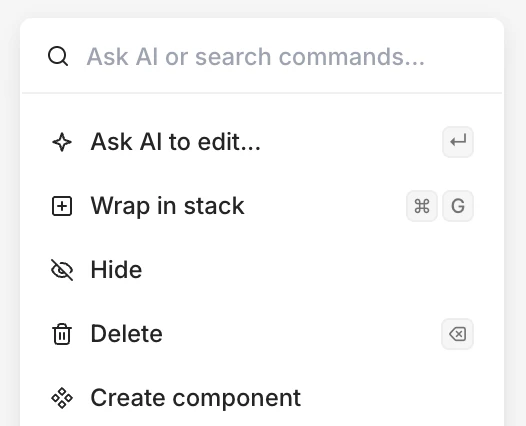
 Quick actions let you set properties and take actions like [quick edit with AI](/learn/ask-ai/making-quick-edits), [create components](/learn/components/overview), or [create snippets](/learn/snippets/snippets).
1. Right-click or press /
2. Select an action
Quick actions let you set properties and take actions like [quick edit with AI](/learn/ask-ai/making-quick-edits), [create components](/learn/components/overview), or [create snippets](/learn/snippets/snippets).
1. Right-click or press /
2. Select an action