Documentation Index

Fetch the complete documentation index at: https://docs.subframe.com/llms.txt

Use this file to discover all available pages before exploring further.

Your theme generates a Tailwind CSS configuration that your codebase uses for styling. You can view the generated config at any time and sync changes with the CLI.

View Tailwind config

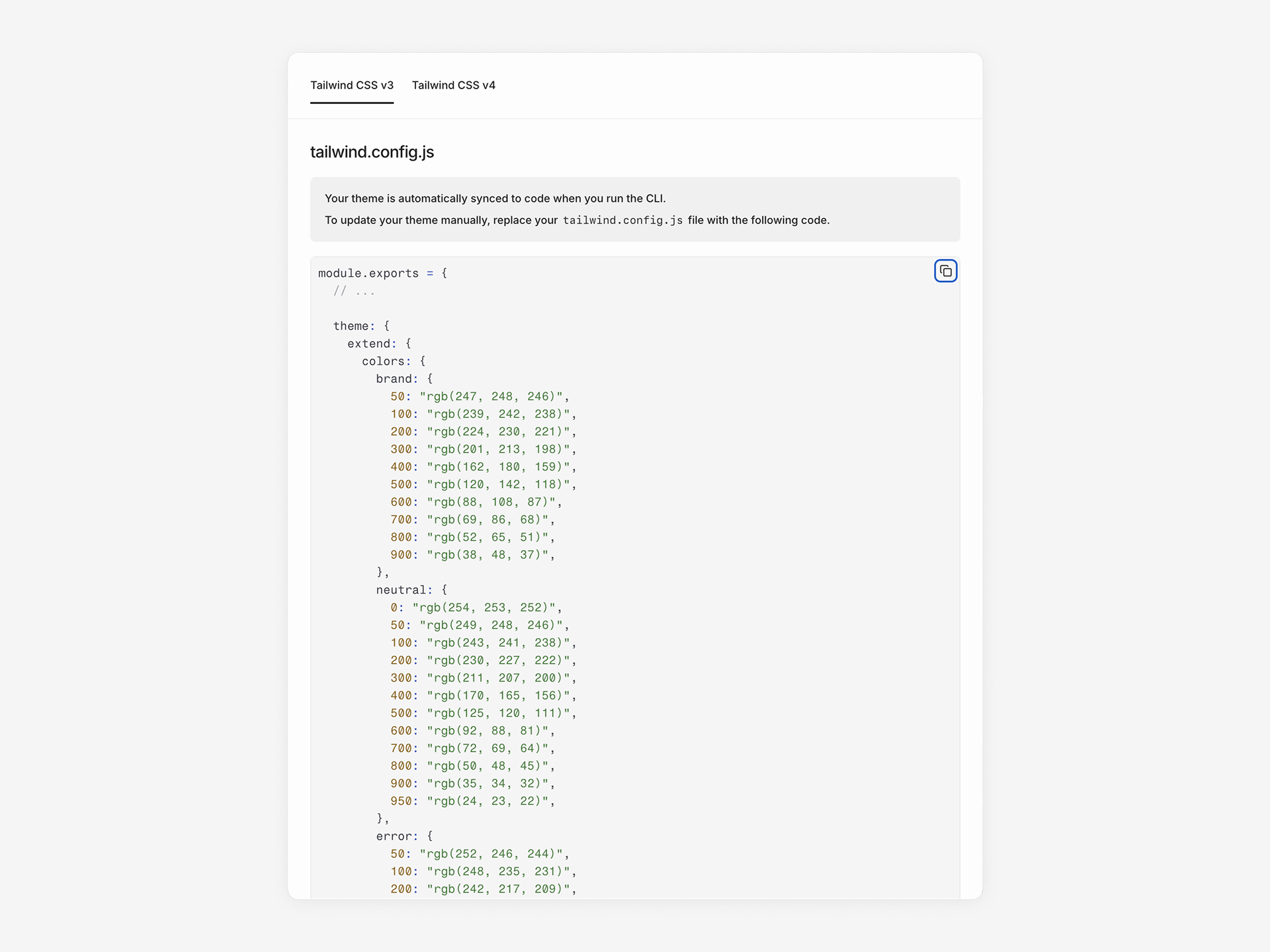
Click Export in the sidebar to view the generated Tailwind configuration for your theme. The dialog has two tabs:
  • Tailwind CSS v3 — Shows a tailwind.config.js file with your tokens as a JavaScript module
  • Tailwind CSS v4 — Shows a theme.css file with your tokens as CSS variables inside a @theme block
Click Copy to clipboard to copy either format. Export dialog showing the generated Tailwind configuration with tabs for v3 and v4 The generated config includes colors, font sizes, font families, box shadows, border radius, container settings, and responsive breakpoints. When dark mode is enabled, the export includes additional dark mode overrides:
  • Tailwind v3 — An additional theme.css file with :root and .dark CSS variable blocks, and darkMode: 'selector' in the config
  • Tailwind v4 — A .dark block and @custom-variant dark declaration in the theme.css file

Sync to code

Run the CLI to sync your theme and components to your codebase:
npx @subframe/cli@latest sync --all
This updates your local Tailwind config with new token values. Components automatically use the updated theme. See Installation for CLI setup instructions.
Last modified on May 7, 2026