

Access project settings
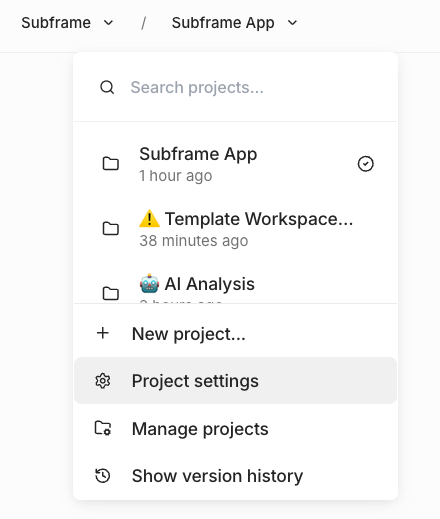
- Open your project in the editor
- In the left sidebar, find the Design System section
- Click the Settings icon next to Design System
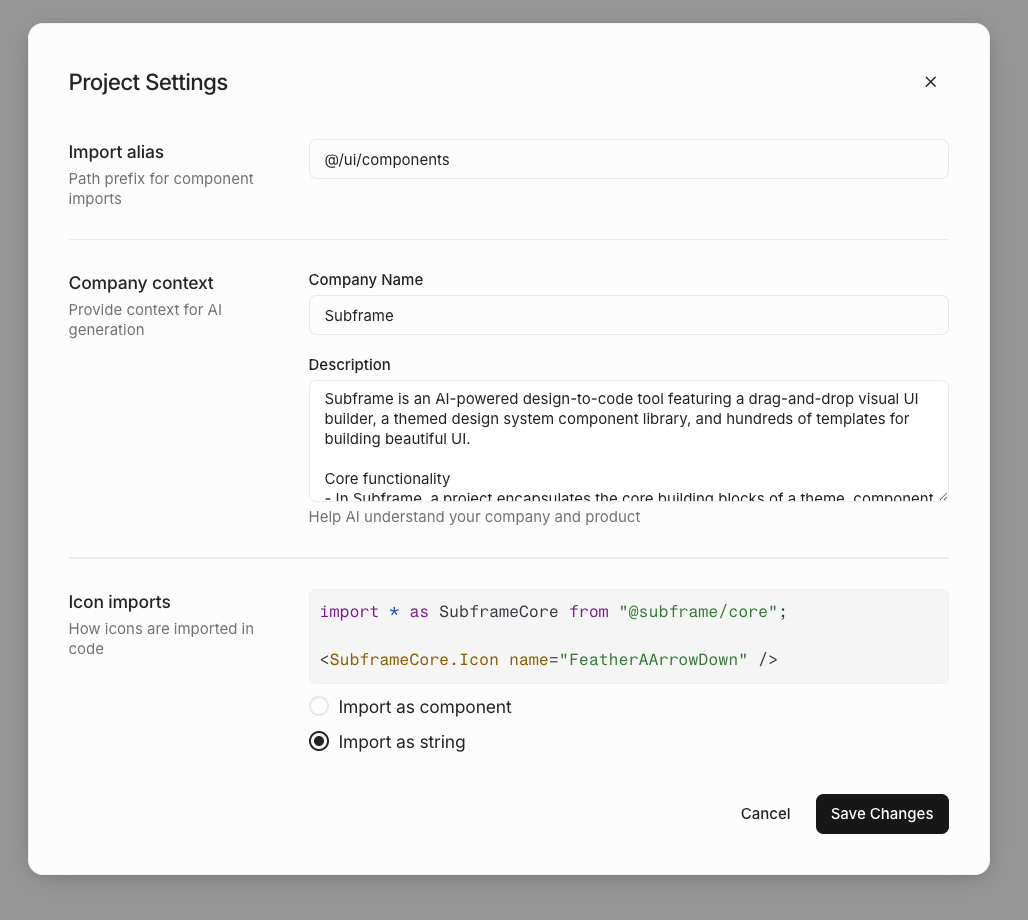
Import alias
Set the path prefix used for component imports in generated code. Default:@/ui/components
This determines how import statements appear in your exported code:
Company context
Provide context to help AI generate designs that are more relevant to your product.Company name
Your company or product name. AI uses this to personalize generated content and copy.Description
Describe your company, product, and design preferences. This helps AI understand:- What your product does
- Your target audience
- Tone and style preferences
- Any specific design guidelines
Icon imports
Choose how icons are imported in generated code.Import as component
Icons are imported as React components:Import as string
Icons are referenced by name as strings:If your project has uploaded custom icons, you must use “Import as component”. The string option is disabled when
custom icons are present.