

Adding comments
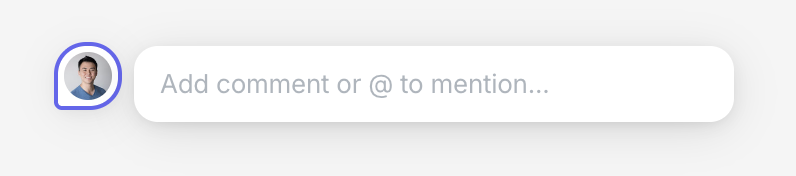
- Click Comment in the toolbar, or press C
- Click on an element to add a comment
Moving comments
- Select a comment thread pin
- Drag the pin to reposition it within the design
Mentioning teammates
- Type @ in a comment
- Select a user to mention
Resolving comments
- Open the comment thread
- Click the checkmark to resolve