Documentation Index

Fetch the complete documentation index at: https://docs.subframe.com/llms.txt

Use this file to discover all available pages before exploring further.

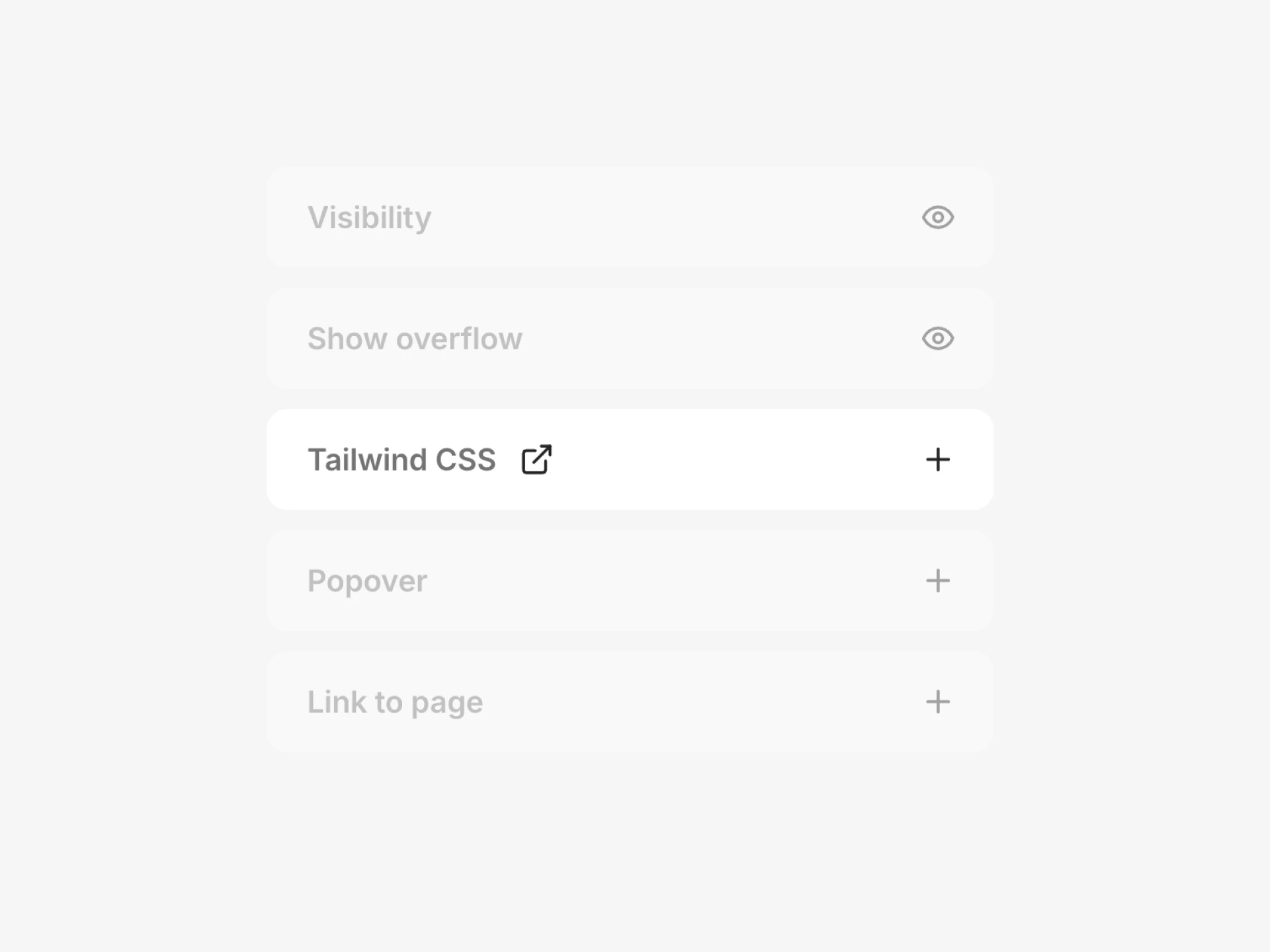
The Tailwind CSS section in the Inspector showing a text input for adding custom classes
If there’s a CSS property you need that isn’t available in the Inspector, you can add custom Tailwind CSS classes directly to any element. This is useful for properties like positioning, z-index, overflow, animations, and other styles that the visual editor doesn’t expose.

Adding custom classes

  1. Select an element
  2. In the Inspector, find Tailwind CSS and click +
  3. Type or paste a Tailwind class name
You can also use Ask AI to add custom classes. For example, ask “make this element position absolute” and it will apply the right Tailwind classes for you.


Common use cases

Here are some properties you can control with custom Tailwind classes that aren’t available in the Inspector:
Use caseTailwind classes
Absolute positioningabsolute, relative, fixed, sticky
Z-indexz-10, z-20, z-50
Overflowoverflow-hidden, overflow-auto, overflow-scroll
Animationsanimate-spin, animate-ping, animate-pulse, animate-bounce
Pointer eventspointer-events-none, pointer-events-auto
Opacityopacity-50, opacity-0
Cursorcursor-pointer, cursor-not-allowed
Transitionstransition-all, duration-200, ease-in-out
Transformsrotate-45, scale-110, translate-x-2

Tailwind CSS documentation

For a full list of available classes, see the Tailwind CSS documentation:
Last modified on April 23, 2026